A timer for your reading
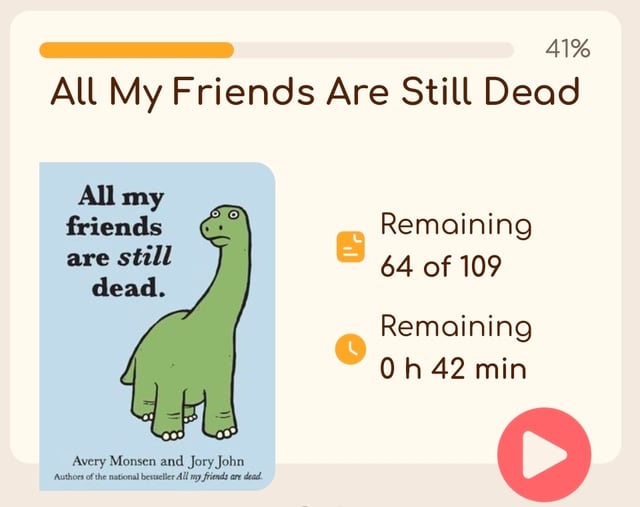
Start the timer when you sit down to read, then log the pages you finished. Booktail uses your pace to estimate how long the rest will take. Forgot the timer? Add the session later.
iOS and Android · free, no ads
Booktail — your reading tracker. Keep track of what you read, make room for your next book and save the quotes you want to remember. Your reading buddy will be there to welcome you back.
Just one more chapter.Your pace. Your story.
Buddies
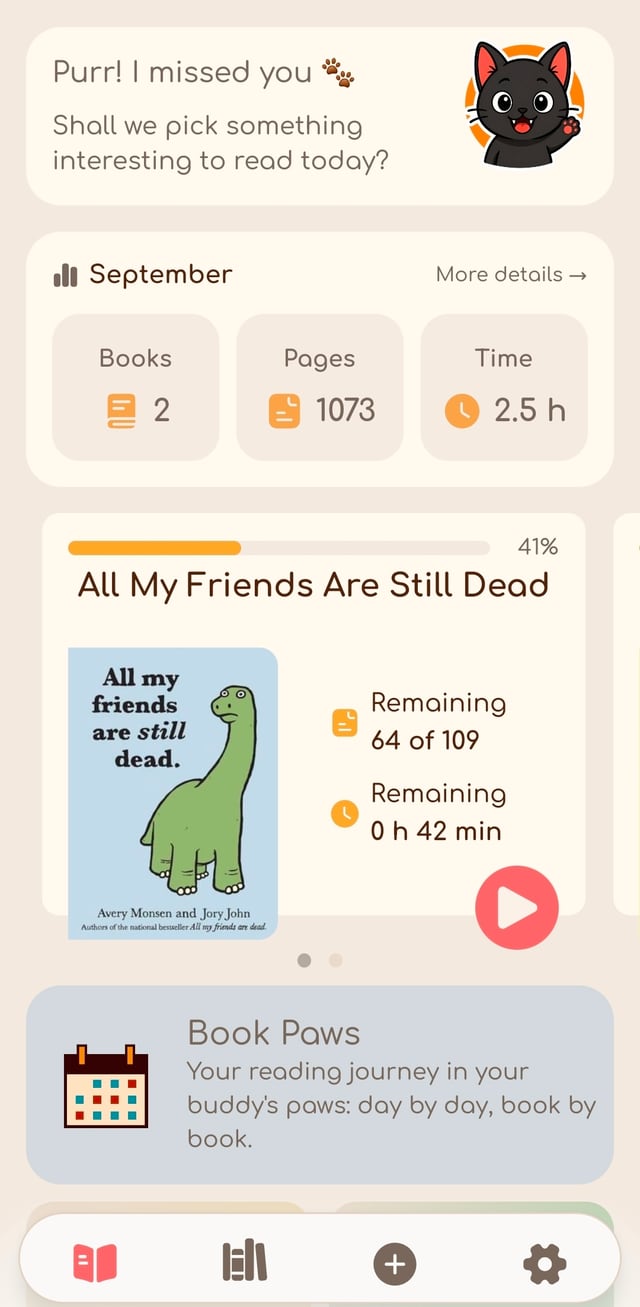
Choose a buddy to keep you company. They greet you when you open Booktail, celebrate finished books and have something to say about your reading stats.

Purr! I missed youShall we pick something interesting to read today?

Woof! I’ve been waiting for youShall we read something today?

Oh, you’re hereI’ve already picked out a few books. Shall we test your taste?

Ah, it’s you againVery well, let’s choose a book. Preferably with a sound argument

Oh, my partner’s hereSo, are we reading, or finding a shortcut to the plot first?

No rush, I’m hereShall we read together at our own pace?
Features
Keep your books, reading sessions and favorite passages in one place.
Start the timer when you sit down to read, then log the pages you finished. Booktail uses your pace to estimate how long the rest will take. Forgot the timer? Add the session later.
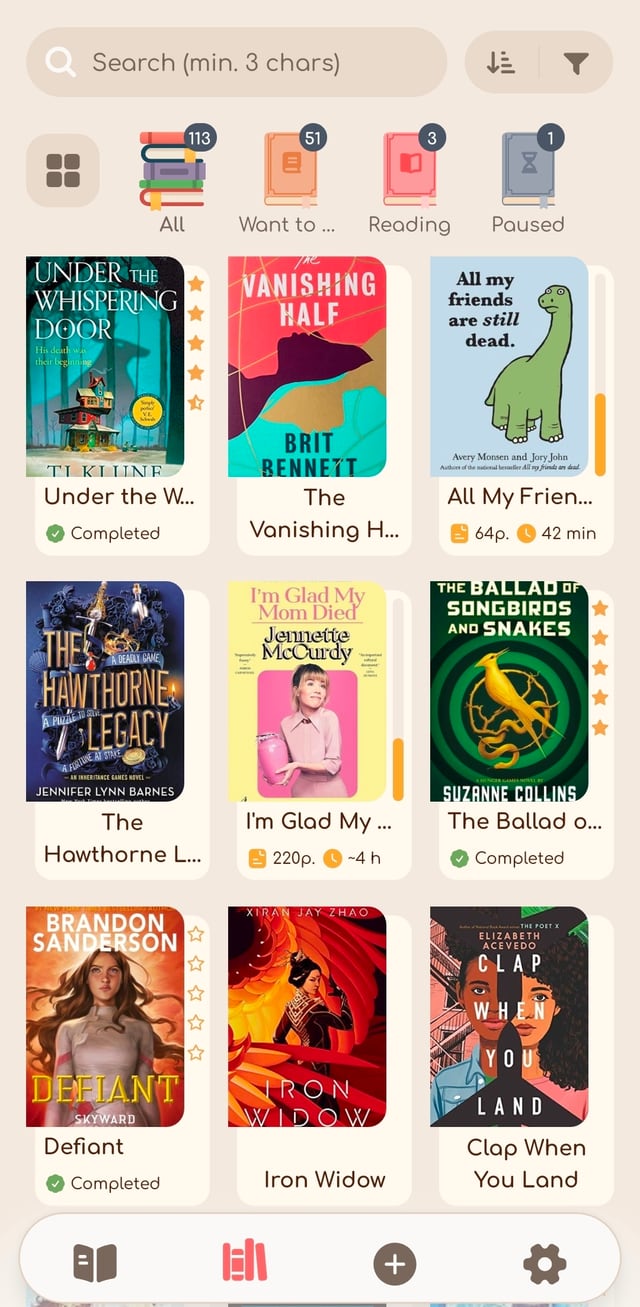
Organize your books on five ready-made shelves or create your own for favorite genres, moods or reading plans. Search by title, author or series and use filters to choose your next read.
So many books. All yours.
Keep a quote, jot down a thought or add a photo. Include the page number so you can return to it, and search your notes whenever you need them.
“I declare after all there is no enjoyment like reading!”
Look back at the books you finished, pages you read and time you spent reading. Explore your months and years, or see which authors you keep coming back to.
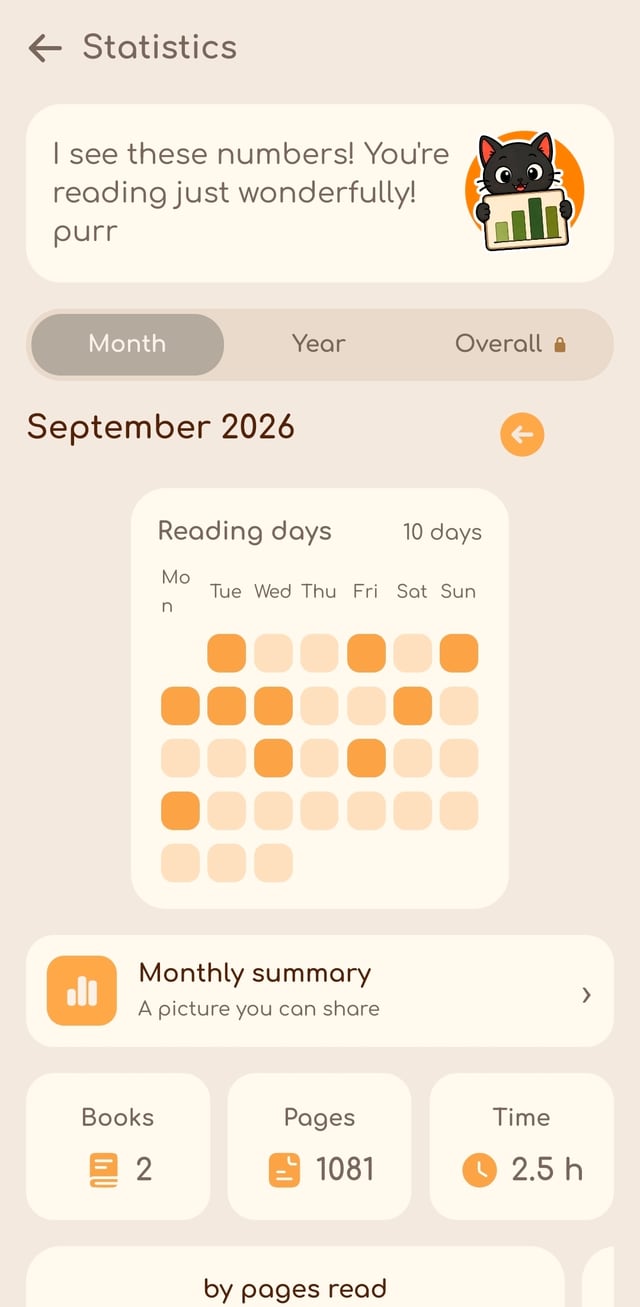
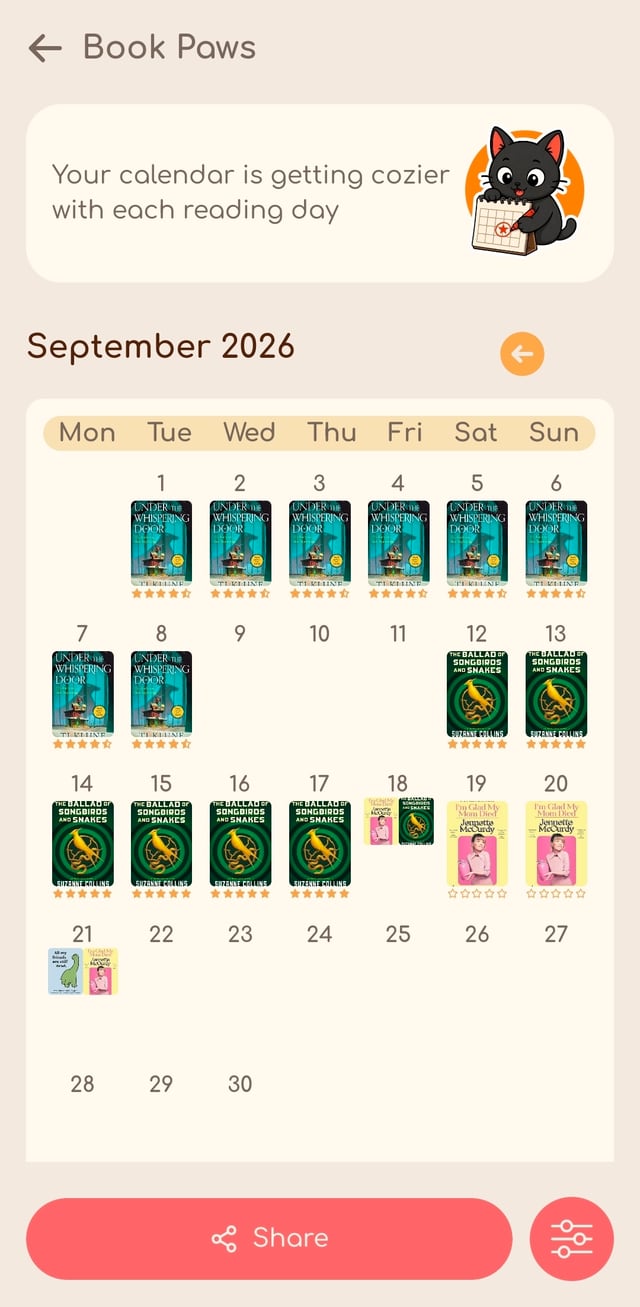
See your reading activity on a calendar, with book covers to remind you of each story. Choose a layout and save a copy to your gallery.
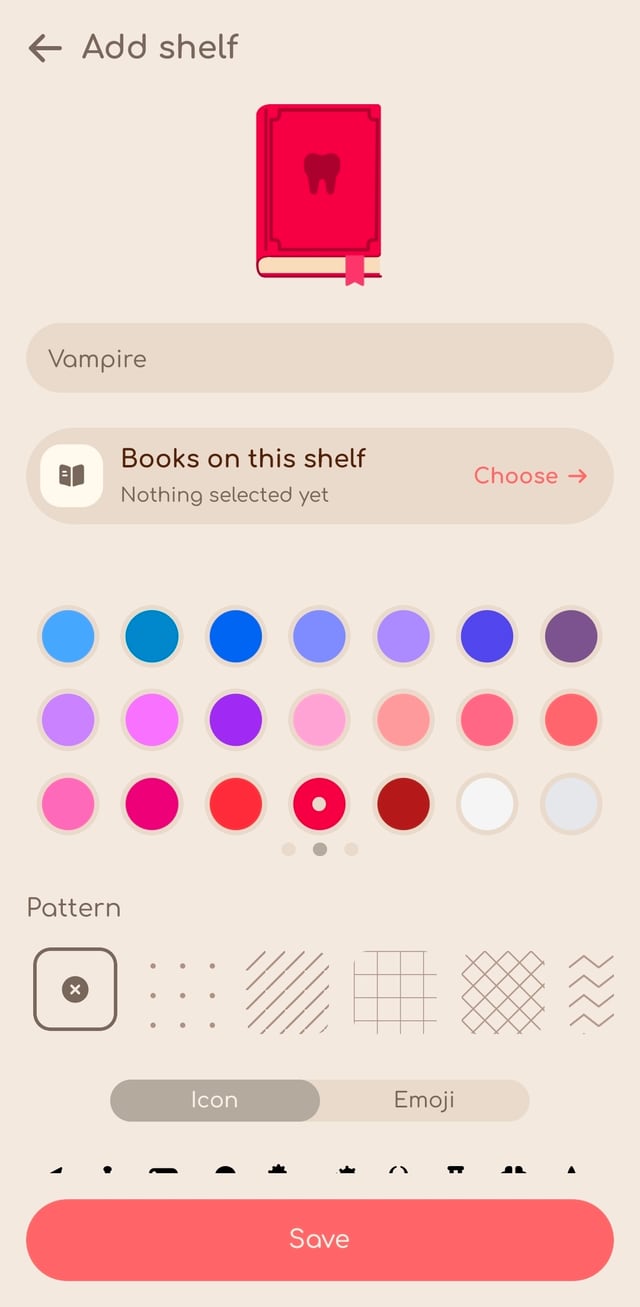
Make a shelf for your favorite mysteries, comfort reads or whatever you’re in the mood for. Choose its color, icon and pattern, then arrange your shelves the way you like.
On your lock screen
Check your reading timer without switching back to Booktail. On supported iPhones, it appears on the lock screen and in the Dynamic Island; on Android, in a notification. Pause or finish your session from there.
More than a list of books you’ve read
Choose your favorite book of the year and keep track of your progress through each series.
Start with your favorite book from each month. Compare those picks through the rounds until one becomes your Book of the Year. Save the finished bracket to look back on or share.
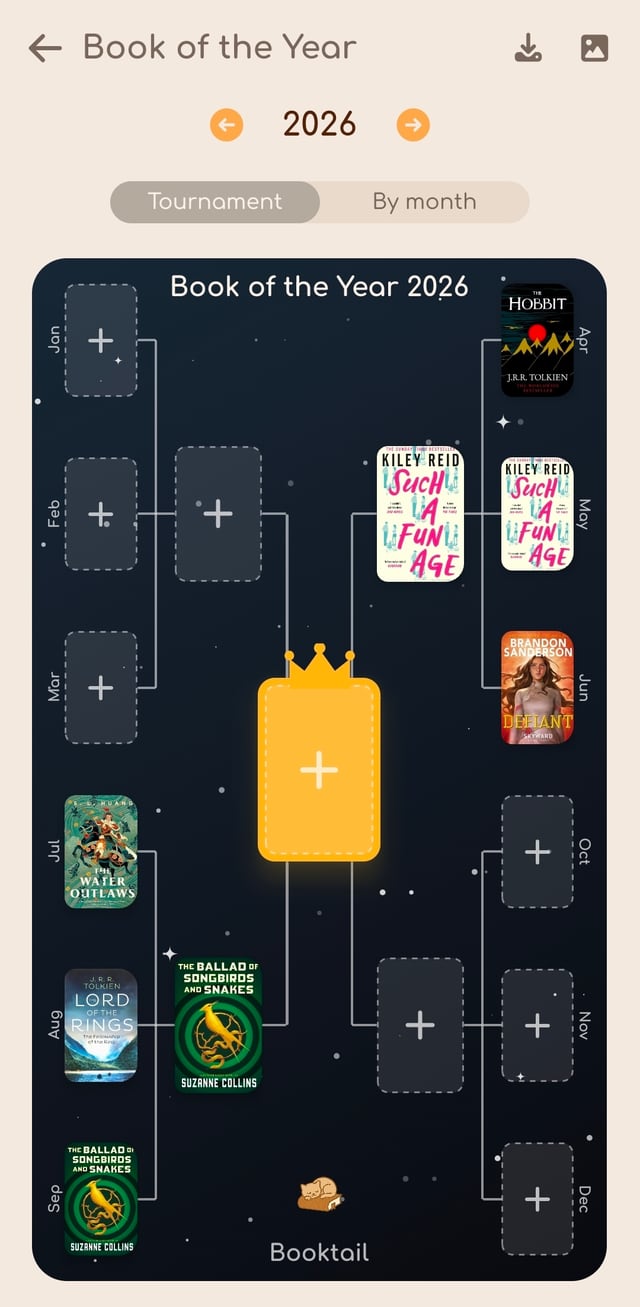
And the winner is…
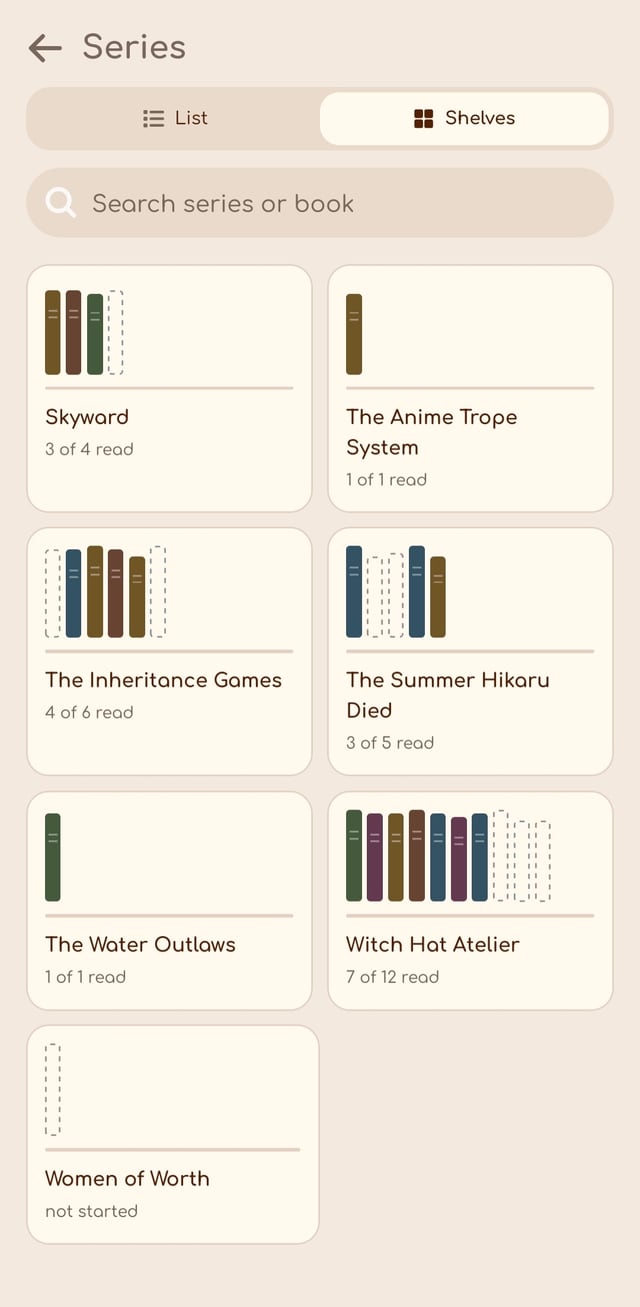
See the books in a series together, including the ones you’ve read and the ones still on your list. Compare your library with the catalog to spot missing volumes.
Have a favorite volume? Rank the books in your own order, then save a series card to share.
Share your reading
Give the books you read this month a little space in your feed.
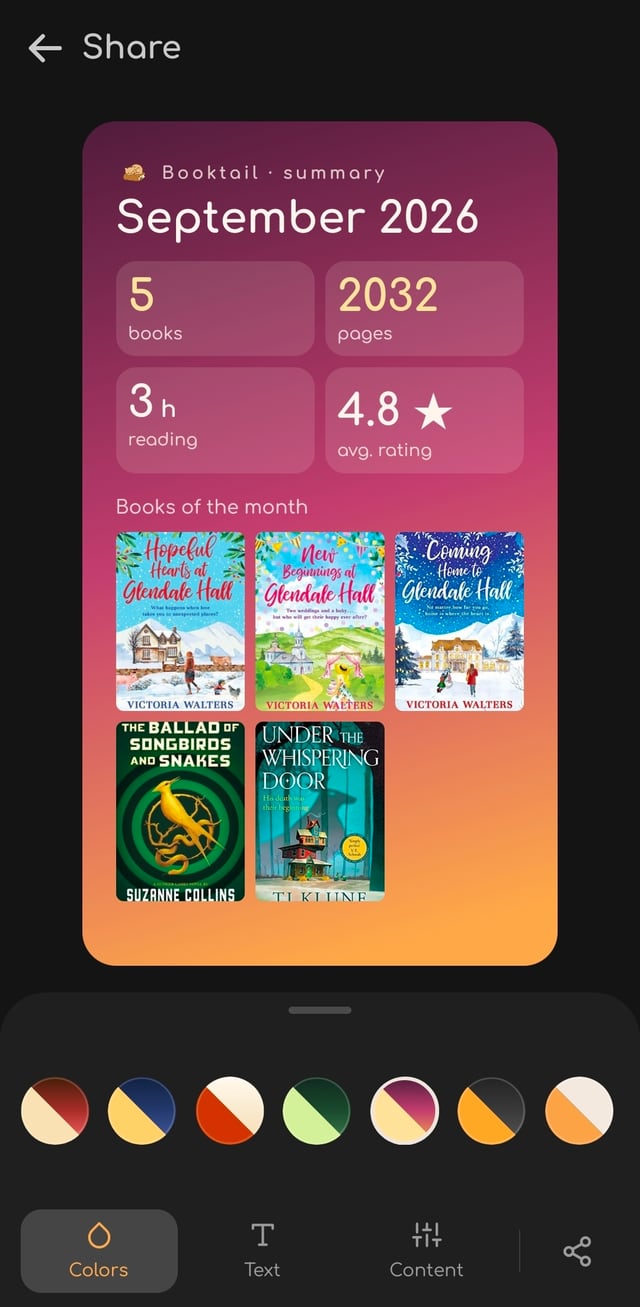
Make a monthly recap, a reading calendar, a series card or a Book of the Year bracket.
Choose what to include, pick the colors and add your own title. Keep it simple or decorate it with paws, leaves or confetti. Save the image or share it straight from Booktail.
Good books. Great memories.
Add books, plan your next reads and keep your library close wherever you read.
Scan a book’s ISBN barcode to look it up and add it to your library.
Bring your library over from Goodreads or Bookmory, so you don’t have to add every book again.
Keep your reading data in sync across devices. After signing in, you can keep using Booktail offline.
Set a monthly or yearly reading goal and choose the books you’d like to read next.
Record what you paid for a book and where you bought it, in the currency you used.
Keep the books you want to buy in one list. Add them as you find them and move your favorites to the top.
Styling
Pick a theme, choose a reading buddy and give each shelf its own look. Four themes and two buddies are free. Premium adds more ways to personalize Booktail, plus all-time statistics and series rankings.

Free · no ads · 7 languages · iOS 16.4+ and Android 7.0+
The story continues.